

TL;DR: For anyone asking what is microG: it is an open-source framework that replaces selected parts of Google Play Services on Android. It can provide push notifications, location and Google API compatibility without the complete Google bundle. It improves user control, but app support, Play Integrity and banking compatibility remain incomplete.
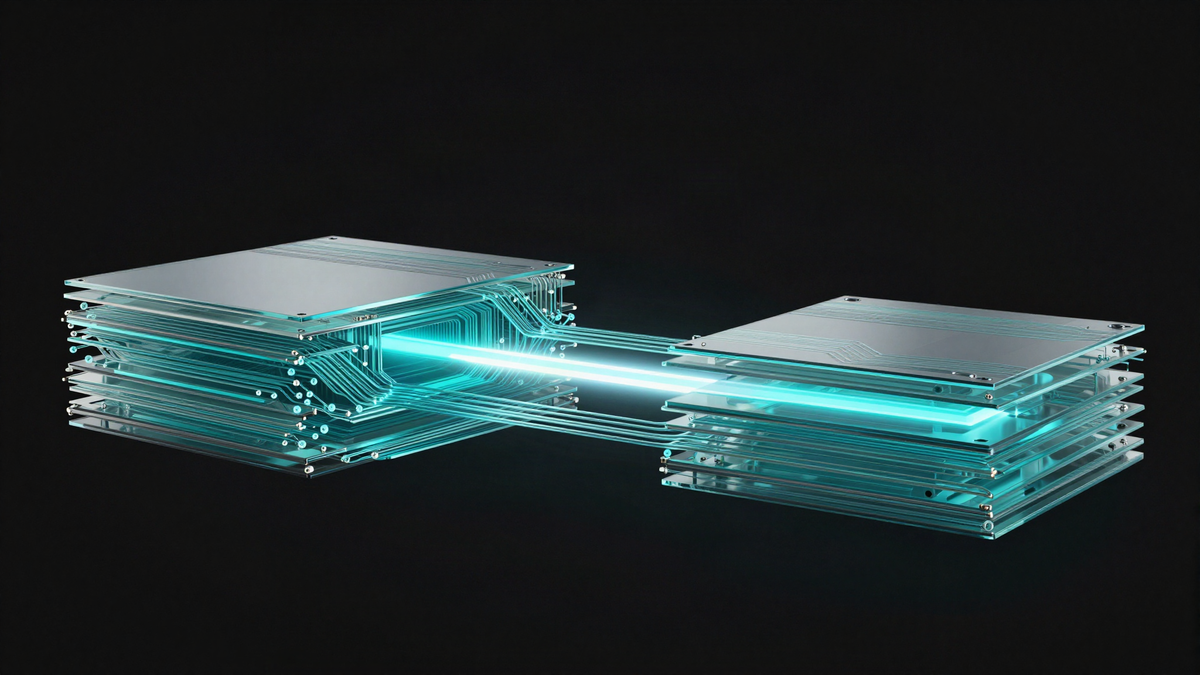
By the PrivacyPortal team
Last updated August 2026
microG helps apps built for Google services run on Android Open Source Project systems, often called AOSP. It supplies open-source versions of common interfaces used for notifications, location, maps and account access. It is not a custom ROM, an app store or an exact copy of Google Play Services. Some apps work perfectly. Others lose features, detect the changed environment or refuse to run.
Caption: The microG settings screen shows which compatibility services are installed and ready.
What is microG and what does it replace?
microG is an Apache-2.0-licensed compatibility framework for Android. Its main component, microG Services Core or GmsCore, reimplements parts of Google’s proprietary Google Play Services APIs. An API is a defined way for one piece of software to request a service from another.
Apps may use those APIs for push messages, location, maps, device registration or Google account sign-in. Without a compatible provider, an app may crash or silently lose those features. microG responds to supported requests without installing the complete Google Mobile Services package.
The project also provides supporting components. Services Framework Proxy handles some calls aimed at Google Services Framework. A Play Store placeholder, commonly called microG Companion or FakeStore depending on the release, can satisfy apps which check for the Play Store package.
Compatibility is intentionally incomplete. microG does not reproduce every proprietary API or server-side Google feature. Its scope and current packages are documented on the official microG project website.
As of 12 August 2026, microG is an Apache-2.0-licensed framework rather than a custom ROM or complete Play Store replacement.
How microG works in practice
Android apps normally send requests to Google Play Services through its package and APIs. microG installs a compatible package identity and implements supported requests with open-source code.
This requires signature spoofing. Android normally confirms that an update or replacement package has the original developer’s cryptographic signature. Signature spoofing lets an approved package present another signature to selected apps. A well-designed ROM grants this ability only to microG. A broad or poorly controlled implementation weakens Android’s trust model.
microG can still contact Google servers for optional services. Firebase Cloud Messaging, used for many push notifications, is one example. Using that feature is not the same as removing all Google contact. It does reduce the privileged Google code installed on the phone and gives the user more choice.
You can inspect the implementation and reported issues in the official microG Services Core repository.
Caption: An app request can pass through microG to an open provider or an optional Google endpoint.
microG vs Google Play Services
| Area | microG | Google Play Services | No compatibility layer |
|---|---|---|---|
| Source code | Open source | Mainly proprietary | Not applicable |
| API coverage | Useful but incomplete | Broad official coverage | None |
| Push notifications | Optional Google push support | Standard Google support | Only app-specific alternatives |
| Google account | Optional and limited | Fully integrated | Unavailable |
| Play Integrity | No guaranteed verdict | Depends on certification and device state | Usually unavailable |
| App compatibility | Mixed | Usually highest | Lowest for Google-dependent apps |
| User control | High | Lower | Highest, with more breakage |
The practical microG vs Google Play Services choice is not simply privacy against convenience. microG reduces proprietary privileged code, yet some enabled features still use Google infrastructure. Full Google services offer wider support, while a phone with neither option makes the cleanest break at the cost of more failed apps.
What works, and what may fail?
In practice, many ordinary apps work with microG. Push messages often arrive once device registration is enabled. Apps using basic location requests can also work. Some map views and Google account flows are supported.
Failures usually appear in apps that use newer proprietary APIs, strict licensing checks or hardware-backed attestation. Common problem areas include:
- Banking, payment and digital identity apps.
- Games with Google Play Games or licence checks.
- Apps which require installation from the official Play Store.
- Wearables or accessories tied to proprietary Google components.
- Google Cast, Wallet and some advanced Maps features.
- Work profiles managed by strict company policies.
A successful launch does not prove every feature works. Test notifications, sign-in, location and any important background task. Keep another way to access banking, tickets and two-factor codes before changing your main phone.
A passing Play Integrity result does not guarantee that a banking or payment app will accept a device.
Privacy and security trade-offs
microG can reduce data exposure because it replaces privileged proprietary components and exposes more controls. It does not make a phone anonymous. Apps, networks and any remote services you enable can still collect data.
Security also depends on the operating system. A maintained ROM with current Android security patches is safer than an abandoned ROM with microG. The open-source status of microG cannot compensate for missing kernel, firmware or browser fixes.
Signature spoofing deserves special care. Prefer a ROM that limits the permission to the expected microG package. Avoid unknown patchers which enable unrestricted spoofing across the system.
Root access is not required when the ROM supports microG correctly. Adding root only to install or hide microG expands the attack surface. It can also cause more app checks to fail.
How to install and use microG safely
The most reliable microG setup uses a maintained ROM that officially includes or supports it.
- Back up photos, messages, authenticator recovery codes and files to a separate device.
- Confirm that your exact phone model and regional variant are supported by the chosen ROM.
- Read that ROM’s install guide in full. Download only its named images, recovery tools and microG packages.
- Unlock the bootloader if the guide requires it. This normally wipes all user data.
- Install the supported ROM by following its device-specific instructions exactly.
- Boot Android, open microG Settings and run Self-Check.
- Enable only the services you need. Device registration and cloud messaging are optional.
- Grant the requested permissions and allow background use if reliable notifications matter.
- Install a small set of trusted apps, then test notifications, location and sign-in.
- Check for operating-system updates and review microG Self-Check after each major update.
Prerequisites before changing the phone
You need an unlockable device, a suitable USB cable and a computer with the tools named by the ROM maintainer. The phone should have ample charge. You also need a verified download for the exact model.
Bootloader unlocking performs a factory data reset on standard Android devices. It may affect warranty support, over-the-air updates and device security. A failed flash can leave the phone unable to boot. Google’s Android bootloader locking guidance explains the required data wipe and security state.
Android’s bootloader guidance requires user data to be erased when a device changes from the locked state to the unlocked state.
Packages used by a manual installation
Advanced users may encounter microG Services Core, Services Framework Proxy and microG Companion or FakeStore. Names vary with the supported release and distribution. Use the combination documented by the ROM or official microG installer.
Do not mix old packages from unrelated guides. Package signatures, privileged permissions and install order matter. A random APK installation on stock Android usually cannot provide the required system integration.
The automatically provided Modules, apps & files to try section contains the relevant files when packages are supplied with this guide. Check their source, version and device requirements before use.
How to verify the installation
Open microG Settings and run Self-Check. Required items should pass for the features you enabled. A failed signature-spoofing check means the ROM does not provide the needed integration.
Send a test notification while the target app is closed. Then test location outdoors and after a reboot. Delayed messages often point to battery restrictions rather than a broken microG install.
If your Play Store version exposes its built-in Play Integrity check, treat the result as one signal only. Menu names vary. Third-party checker apps can also give errors when a microG store placeholder is present.
Common microG setup problems
Notifications arrive late or not at all
Confirm that cloud messaging is enabled and the app appears in microG’s registration list. Allow microG and the affected app to run in the background. Vendor battery controls may still stop them.
Location is slow or unavailable
Check location permission for both microG and the app. Enable a supported network location source if the ROM offers one. Satellite GPS should still work, but its first fix may take longer without assistance data.
Google sign-in loops or fails
Not every Google account flow is supported. Update microG through the same trusted channel used for installation. Clear only the affected app’s data first. Removing system service data can break other registrations.
An app says the device is not certified
Certification, Play Integrity and app-specific risk checks are separate systems. microG cannot guarantee a certified verdict. Relocking a bootloader with an unsupported image can brick some devices, so never try it without explicit ROM guidance.
Should you degoogle with microG?
Choose microG when you need several Google-dependent apps but want less proprietary system code. It suits users who accept some troubleshooting and can test critical apps before relying on them.
Choose a complete Google-free setup when your apps work without Google APIs. Web apps, open-source clients and services with their own notification systems can reduce dependence further.
Choose official Google services when essential work, accessibility, banking or medical apps demand them. Reliability can be the safer choice. Another option on supported systems is sandboxed Google Play, which runs Google components as ordinary apps rather than privileged system software.
For a broader plan, read our practical guide to de-Googling Android and our explanation of what a de-Googled phone changes.
Caption: The right setup depends on app needs, update support and tolerance for compatibility issues.
Frequently asked questions
Is microG the same as a custom ROM?
No. microG is a compatibility framework. A custom ROM is a complete Android operating system. Some ROMs bundle microG, while others support it as an optional install.
Is microG completely Google-free?
Not always. The code is open source, but optional push messaging, device registration and account features may contact Google servers. Disable those features if you want a stronger separation.
Does microG need root?
No, not on a ROM with proper microG support. It does need controlled signature spoofing or equivalent privileged integration. Root-based installation is more fragile and may create extra security and compatibility problems.
Can microG run every banking app?
No. Banking apps use different checks, which may change without notice. Some work, while others reject custom software, unlocked bootloaders or failed attestation. No microG setup can promise to defeat a specific bank’s checks.
Does microG pass Play Integrity?
There is no universal answer. Verdicts depend on the device, boot state, operating system, app and Google’s server-side policy. microG is not an integrity bypass, and a passing verdict does not ensure app acceptance.
Can microG be installed on stock Android?
A normal APK install is usually insufficient because stock Android does not grant the required signature-spoofing privilege. Use a supported ROM or a documented device-specific method. Do not patch a primary phone from an unverified guide.
What is microG best used for?
microG is best for a maintained AOSP-based phone that needs selected Google-compatible features. It offers a middle path between the complete Google services bundle and running no compatibility layer at all.
PrivacyPortal sells ready-to-use, de-Googled GrapheneOS Pixels — hardened, kept updated, and shipped with our encrypted Graphite messenger. Browse privacy phones →


