

TL;DR: In lineageos vs grapheneos, choose GrapheneOS for the strongest privacy and security on a supported Google Pixel. Choose LineageOS for wider device support, longer useful hardware life and more customisation. Both require careful installation. Back up first because unlocking the bootloader wipes the phone and can affect apps, updates and warranty support.
By the PrivacyPortal team
Last updated 31 July 2026
GrapheneOS is the better default for a supported Pixel. It adds deep security hardening, keeps verified boot and lets you relock the bootloader. LineageOS suits many more phones and gives users greater freedom to modify Android. Its security depends more on the device, firmware and maintainer. Neither system guarantees that banking, payment or workplace apps will run.
This guide explains the real differences, the installation path and the failures people meet in practice. It covers official builds only unless stated otherwise.
LineageOS vs GrapheneOS at a glance
| Area | GrapheneOS | LineageOS |
|---|---|---|
| Best for | Privacy and security on supported Pixels | Device choice, customisation and extending hardware life |
| Supported hardware | A limited list of Google Pixel models | Many models from several manufacturers |
| Current platform | Stable build 2026071500 based on Android 17 | Official devices split across LineageOS 23.2 and 22.2 |
| Bootloader after installation | Relocked when the official procedure is followed | Normally left unlocked; follow the model-specific guide |
| Google services | Optional sandboxed Google Play | Optional Google apps package on supported builds |
| Default browser | Vanadium, a hardened Chromium fork | Jelly, with other browsers available |
| Root and system modification | Not a project goal and weakens the security model | Common among enthusiasts, but not enabled by default |
| Banking app outlook | Often better with an unmodified, relocked installation | Varies widely by device, kernel and app checks |
| Updates | Frequent project-controlled releases | Depends on the device and its volunteer maintainer |
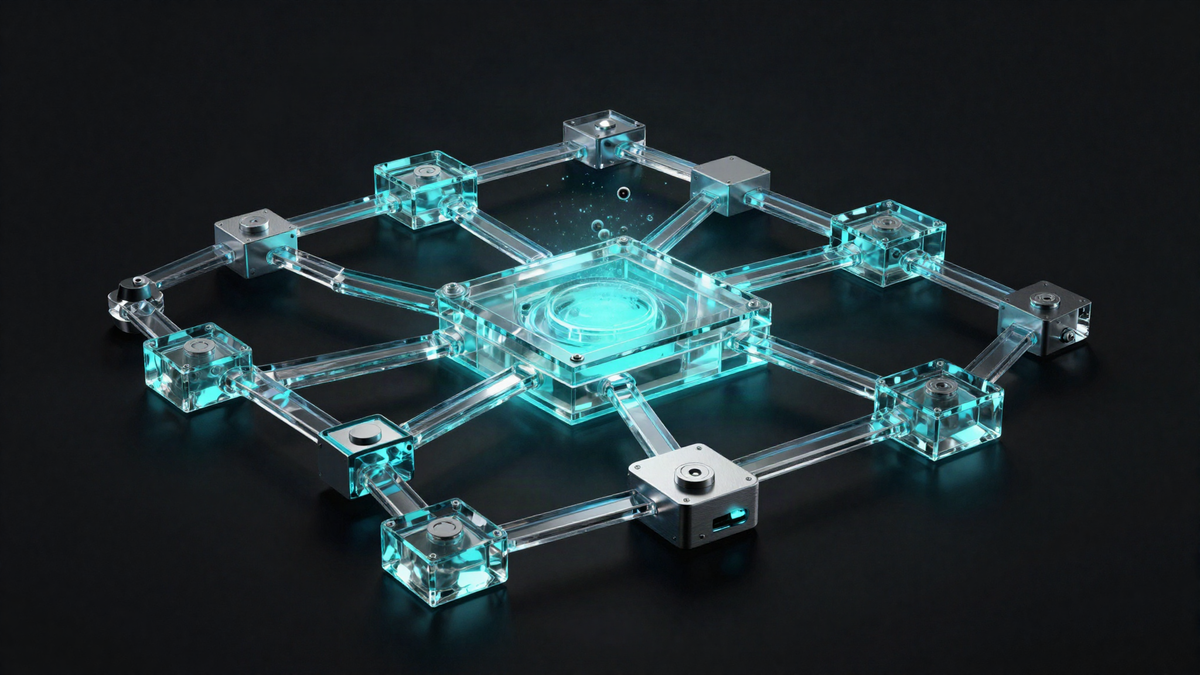
A supported Pixel running GrapheneOS and a wider mix of LineageOS devices show the main hardware trade-off.
What GrapheneOS does differently
GrapheneOS treats security as a complete system. Its changes cover memory allocation, app isolation, permissions, networking and verified boot. The project also limits support to hardware that can meet its standards.
Supported Pixels provide modern security chips and long firmware support. GrapheneOS can use the original verified boot chain with the project’s own signing keys. You can therefore relock the bootloader after installation. The phone then checks the operating system before it starts.
GrapheneOS stable build 2026071500, released in July 2026, is based on Android 17.
Google Play is optional. When installed, it runs as ordinary sandboxed apps without special system power. You can place it in one user profile while keeping another profile free of Google services.
Vanadium is GrapheneOS’s privacy-hardened Chromium browser. It also supplies the system WebView used by many apps. The project updates its Chromium base often, which matters because browsers process hostile web content.
Read the project’s official GrapheneOS feature overview for its current hardening details.
What LineageOS does differently
LineageOS focuses on open Android builds across a broad device range. It is often a good route for phones that no longer receive useful vendor updates. It also offers more interface options than stock Android.
Support is model-specific, not brand-specific. Two phones with similar names may need different images. Regional variants can also use different bootloader or radio firmware. Check the exact model code before downloading anything.
In July 2026, the official LineageOS roster includes LineageOS 23.2 on Android 16 and LineageOS 22.2 on Android 15.
Official LineageOS does not include Google apps. A supported Google apps package may be installed during the initial setup process. That package must match the Android version and processor type. Installing it after the first normal boot can cause setup faults.
LineageOS quality can vary by device. The maintainer must combine Android updates with vendor firmware, device trees and kernel support. Check the model’s status and installation notes in the official LineageOS device directory.
Privacy and security are not the same thing
Removing bundled Google services can reduce data sharing. That does not automatically make a phone secure. Patch speed, verified boot, firmware and app isolation also matter.
GrapheneOS has the stronger security design. It keeps the supported Pixel’s hardware security features and adds exploit mitigations. Its relocked bootloader also blocks silent changes to the installed operating system.
LineageOS can improve privacy by removing unwanted vendor software. Yet many installations keep an unlocked bootloader. Some supported phones also depend on old proprietary firmware. A current Android security patch cannot repair an unpatched modem or bootloader.
Root access changes the comparison again. Magisk, APatch, KernelSU and similar tools add privileged code. Modules can then alter the operating system at boot. This increases both flexibility and attack surface.
If security is the goal, keep GrapheneOS unrooted. Treat root on LineageOS as an informed trade-off rather than a standard requirement.
Banking apps, Play Integrity and daily compatibility
Banking and payment apps use several checks. These may inspect Play Integrity results, bootloader state, operating system properties or signs of root. App developers can change those checks without notice.
GrapheneOS supports the standard Android compatibility APIs, but it is not Google-certified in the same way as the stock Pixel system. Many apps work with sandboxed Google Play. Some apps still reject any alternative operating system.
LineageOS results vary more. Its default kernel and visible system properties can reveal the custom ROM. The addon.d mechanism can also act as a detection marker. An unlocked bootloader is another clear signal.
Community tools may hide some signals, but they create a moving contest with app checks. A passing result today does not guarantee tomorrow’s result. Never depend on a bypass for urgent access to money or identity services.
Keep another access route available. This might be a web browser, a card, a hardware token or a supported spare phone. Our guide to banking apps on custom Android systems explains how to test access safely.
How to install LineageOS or GrapheneOS safely
Use this numbered workflow for your own device, then follow the selected project’s exact model-specific instructions.
- Back up photos, messages, authenticator recovery codes and app data. Confirm that the backup opens on another device.
- Record the phone’s exact model code. Check that this exact variant appears on the official support list.
- Read the complete installation guide once before changing the phone. Note any required stock firmware version.
- Download the current Android SDK Platform-Tools. Use its supplied adb and fastboot tools rather than an old third-party bundle.
- For GrapheneOS, use the official web installer or command-line release files. For LineageOS, download Lineage Recovery and the matching LineageOS installation package.
- Verify downloaded files using the project’s stated checks or signatures. Do not use images from file-sharing sites or unofficial videos.
- Enable OEM unlocking and USB debugging where the guide requires them. Unlocking the bootloader performs a factory reset and erases user data.
- Install the recovery, operating system and any approved add-ons in the exact documented order. Do not disconnect the cable during a flash.
- Relock the bootloader only when the official guide explicitly tells you to do so. GrapheneOS supports relocking; most LineageOS guides do not.
- Boot the phone, install updates and complete the verification checks before restoring sensitive accounts.
Prerequisites before installation
Use a reliable data cable and a stable USB port. Charge the phone to at least 60%. A laptop with enough battery gives useful protection against a short power cut.
You also need the screen lock and account details for the current phone. Android Factory Reset Protection may request the previous account after a wipe.
The Android bootloader unlocking process erases personal data to prevent unauthorised access.
Unlocking may affect warranty service. It can also stop over-the-air updates from the old operating system. Read the manufacturer’s terms before starting.
The bootloader warning screen is expected after unlocking, but its wording varies between phone makers.
Files and apps to prepare
GrapheneOS users should use the named release files offered by its official installer. Do not mix releases between Pixel models.
LineageOS users normally need the matching Lineage Recovery image and LineageOS package. Some devices also require a vendor boot image or a specific stock firmware base. Optional Google apps must match the stated LineageOS version.
Vanadium comes with GrapheneOS. There is no need to fetch APK files from an unofficial mirror. Installing separate Trichrome components by hand is an advanced and fragile route outside the normal supported setup.
The automatically supplied “Modules, apps & files to try” section should be treated as a convenience list. Confirm every filename against the official device guide before flashing it.
Verification after the first boot
Check the reported Android version, security patch date and build number. On GrapheneOS, confirm that the bootloader is locked and the installed release is valid.
On LineageOS, open the updater and confirm that the device receives the expected channel. Do not relock the bootloader simply to remove its warning screen.
Test calls, mobile data, Wi-Fi, Bluetooth, cameras, fingerprint unlock and charging. Then test critical apps before wiping the old backup.
Run a normal reboot and install one system update. A successful update proves more than a single first boot.
A post-install checklist helps catch camera, radio and update faults before the phone becomes your daily device.
Real installation pitfalls to avoid
- Wrong device variant: a similar retail name does not mean the partitions or firmware match.
- Old platform tools: outdated fastboot builds may fail on modern dynamic partitions.
- Skipping required firmware: this can break radios, cameras, decryption or boot.
- Relocking at the wrong time: relocking with an unsupported image can make the phone unbootable.
- Restoring too much at once: a faulty app or setting can make a clean ROM look broken.
- Following video steps blindly: screens and partition layouts change. Use the live official guide.
- Chasing integrity fixes: root-hiding modules may reduce security and fail after any app update.
A failed flash is not always a permanent brick. Many supported devices retain a bootloader or recovery path. Stop if commands report an unexpected product name or partition. Recheck the official guide before writing another image.
A practical decision framework
Choose GrapheneOS when security comes first
Choose GrapheneOS if you own a supported Pixel and want strong defaults. It is also the clearer choice for separate user profiles, sandboxed Google Play and a relocked boot chain.
GrapheneOS makes fewer concessions to modification. That restraint is useful on a phone holding passwords, private messages or work data.
Choose LineageOS for hardware reach and control
Choose LineageOS if your exact phone has a maintained official build and no GrapheneOS support. It can extend the useful life of hardware and remove unwanted vendor software.
LineageOS also suits people who accept more maintenance. Check update activity, known bugs and firmware requirements before making it a daily phone.
Stay on stock Android when compatibility is critical
Stock firmware may be the sound choice when a job, bank or medical service depends on strict device checks. Debloating and permission changes can still improve privacy without unlocking the bootloader.
The best answer to lineageos vs grapheneos is sometimes neither. A secure, supported stock system is safer than an abandoned custom build.
Frequently asked questions
Is GrapheneOS more secure than LineageOS?
Yes, on supported hardware. GrapheneOS adds broad exploit mitigations and supports verified boot with a relocked bootloader. LineageOS prioritises device reach and customisation. Its security depends more on each phone and maintainer.
Does GrapheneOS work on Samsung or OnePlus phones?
No. GrapheneOS supports selected Google Pixel devices that meet its hardware and firmware requirements. Claims of official GrapheneOS builds for other brands should be treated as false.
Can LineageOS relock the bootloader?
Usually, you should not relock it. Safe relocking needs correct signing support and a compatible verified boot chain. Follow the exact device guide. An unsupported relock can leave the phone unable to boot.
Will banking apps work on either operating system?
Many do, but there is no guarantee. Each app chooses its own checks. Results can change after an app or system update. No root module can promise access to a specific bank.
Can I install Google Play on GrapheneOS?
Yes. GrapheneOS offers sandboxed Google Play through its built-in Apps application. Play services receive no special operating system privilege. You can restrict them to a chosen user profile.
Does LineageOS include Google apps?
No. Official LineageOS builds ship without Google apps. Compatible packages may be installed during the initial installation when the device guide supports them.
Which system wins the lineageos vs grapheneos comparison?
GrapheneOS wins for privacy and security on a supported Pixel. LineageOS wins for hardware choice, customisation and keeping older devices useful. Back up first, use official files and test every critical app before relying on either system.
PrivacyPortal sells ready-to-use, de-Googled GrapheneOS Pixels — hardened, kept updated, and shipped with our encrypted Graphite messenger. Browse privacy phones →


